How to photograph a product for sale with a digital camera
Product photography for beginners, part II: manual camera settings, studio flash, TTL, a light tent and simple lighting setup.
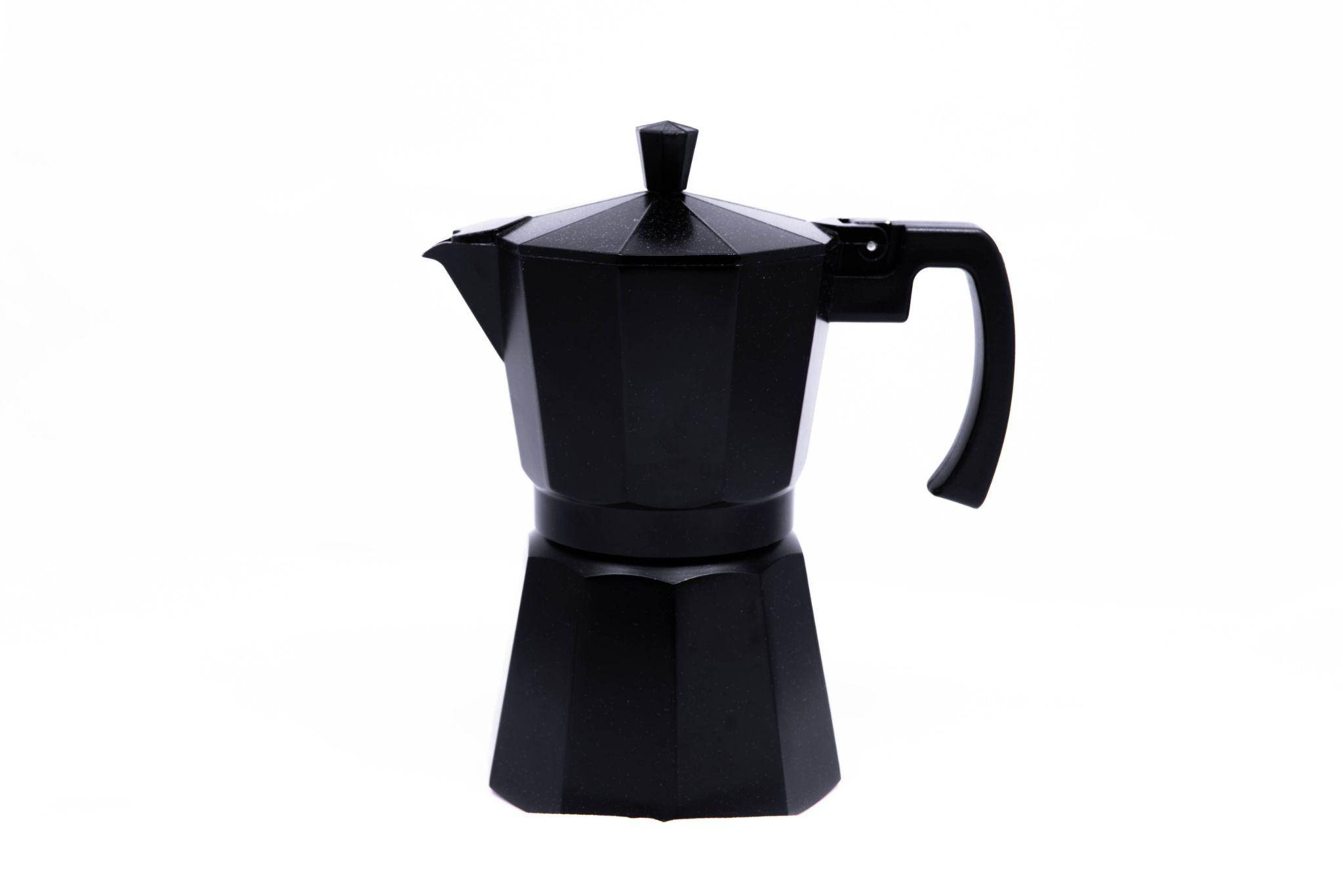
Product photography for beginners – part II.
A professionally photographed product can improve online sales. A digital camera provides high-resolution files, but lighting remains one of the most important elements.
Manual camera settings
Manual mode gives control over the exposure triangle:
- Aperture controls light and depth of field.
- Shutter speed determines exposure time. With flash, stay within the camera's synchronization speed, typically around 1/160–1/250 s.
- ISO controls sensor sensitivity; low values such as 200–400 usually give cleaner product photographs.
Flash light
Up! X 200 Quadralite flashes are a useful option for DSLR and mirrorless product photography. Flash lets you close the aperture for greater depth of field, use low ISO and short shutter speeds. The basic kit includes two lamps with stands, a silver umbrella and softbox.
It is simple enough for beginners learning studio flash, while integrated radio control with Navigator X2 makes operation convenient.
How to use flash
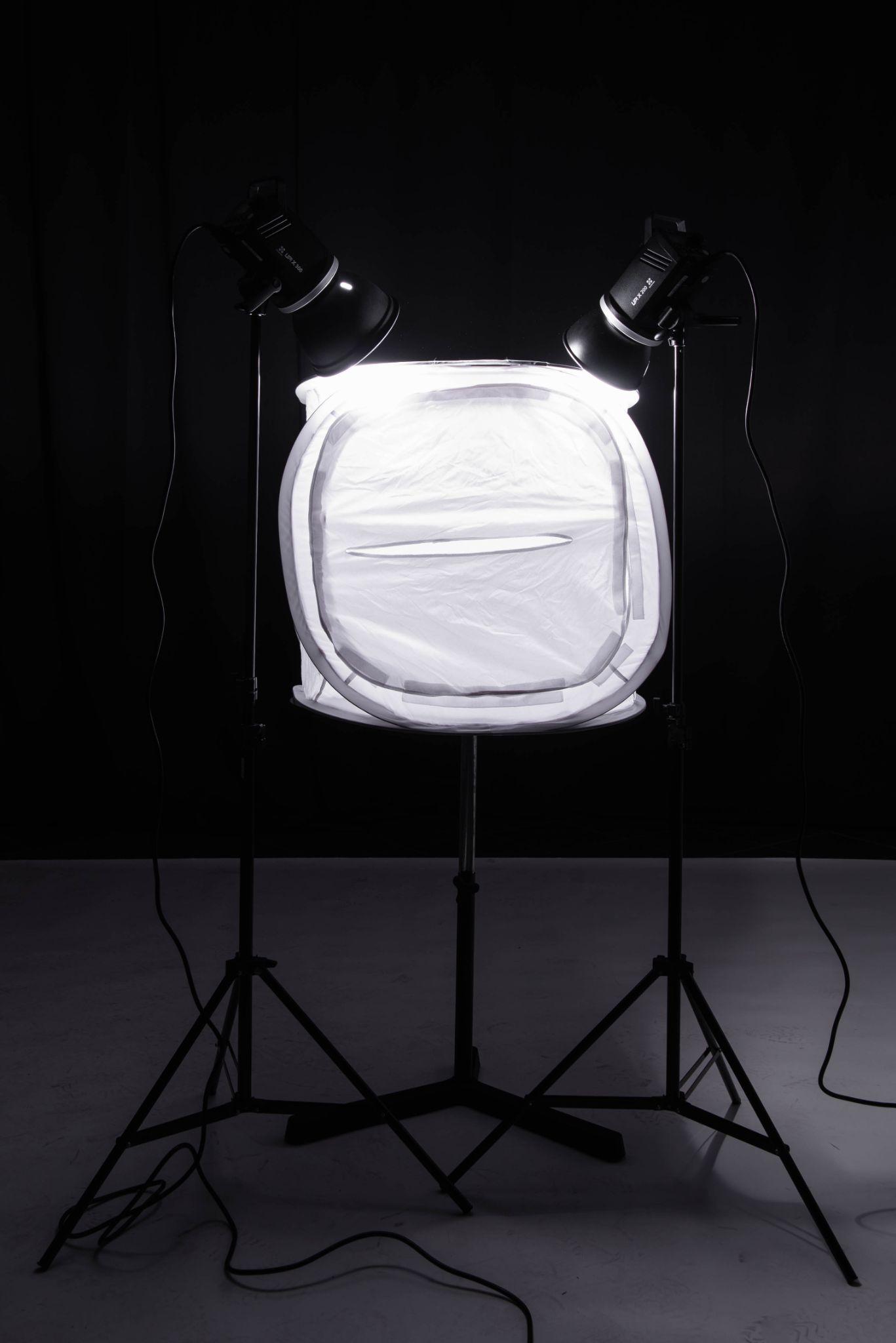
For small products, light can be directed from above into a light tent. Mount the Navigator transmitter on the camera, set both flashes to the same channel and adjust their power. TTL can automatically meter and control flash exposure.
For product photography, a setting around f/8 is often a useful starting point for sufficient depth of field.
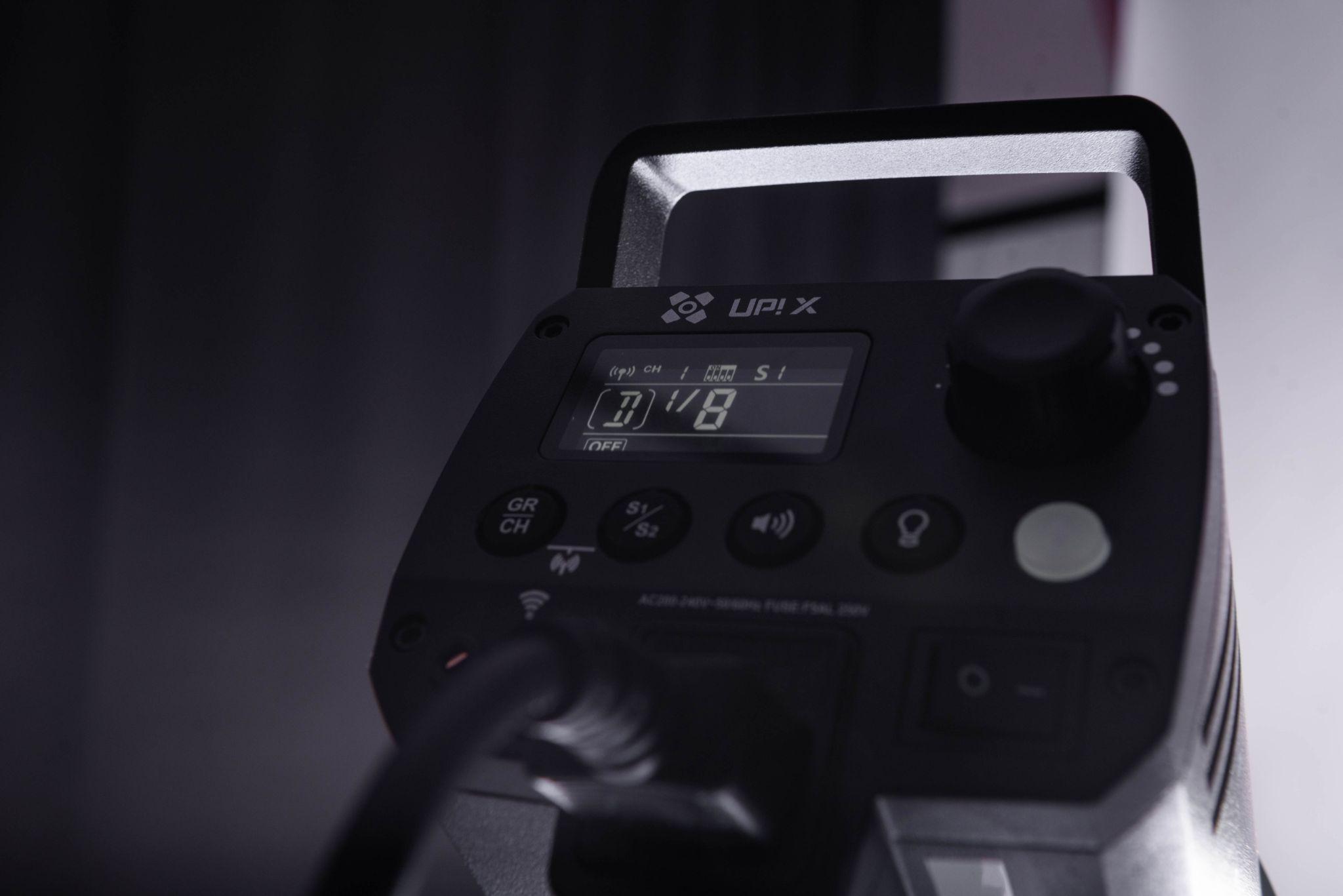
Up! X 200 Quadralite flashes also include a modelling light, which helps preview how shadows and highlights fall before the flash fires.